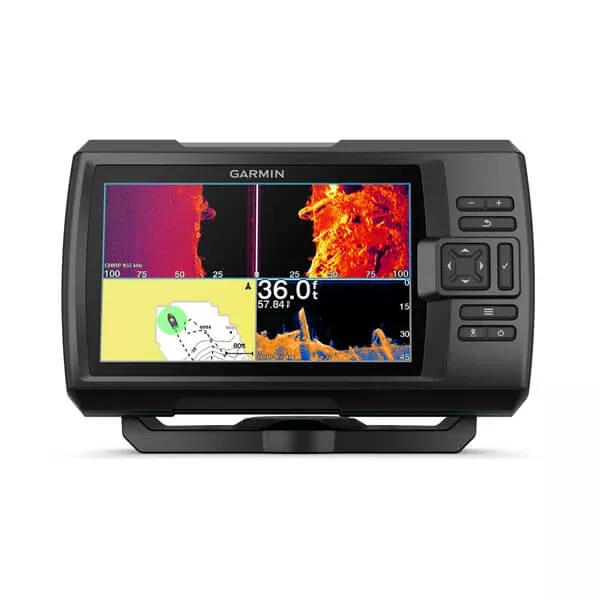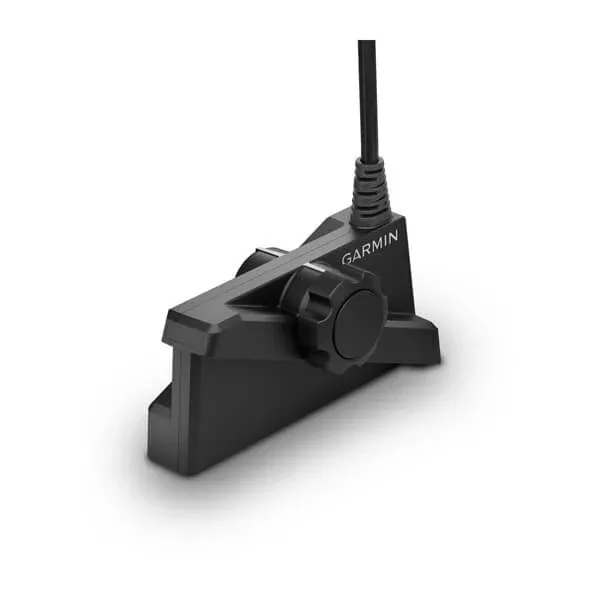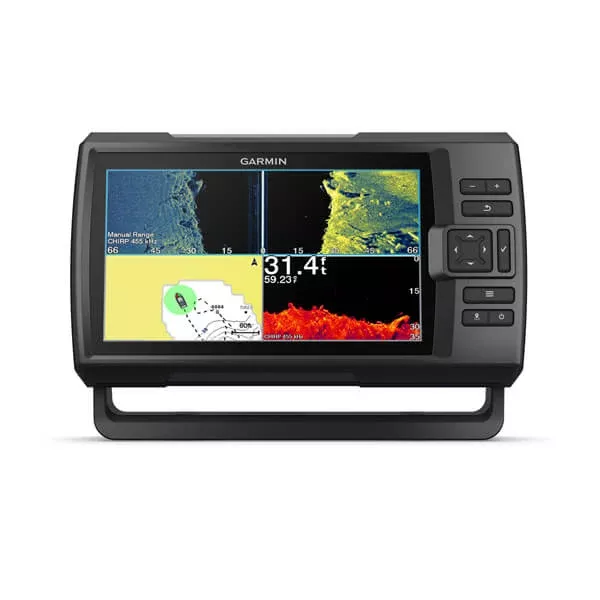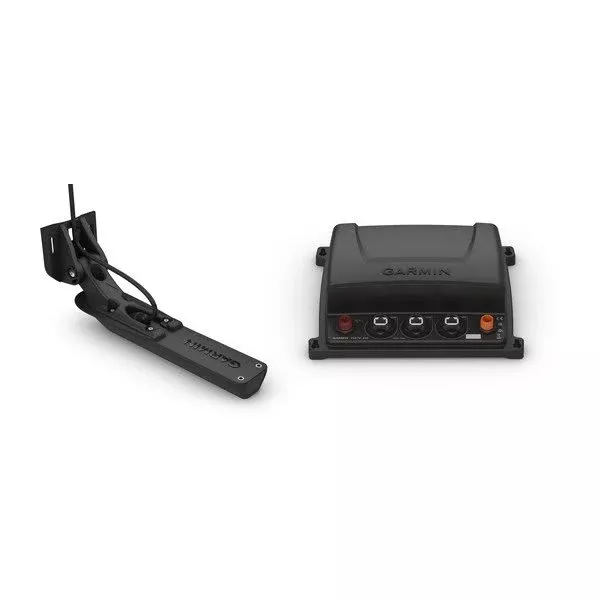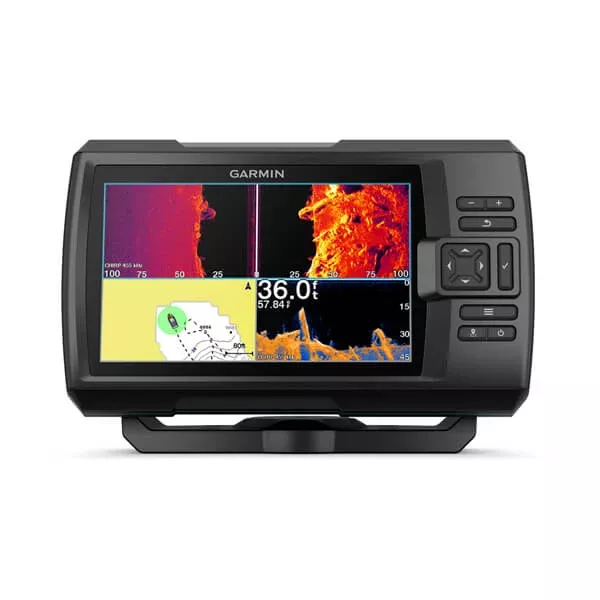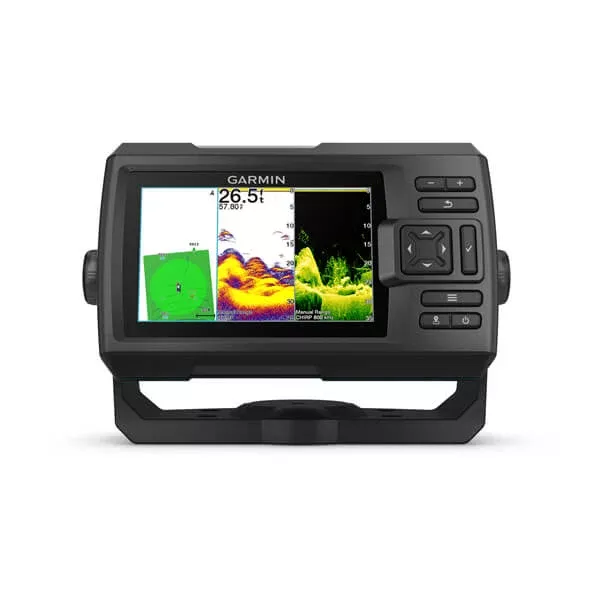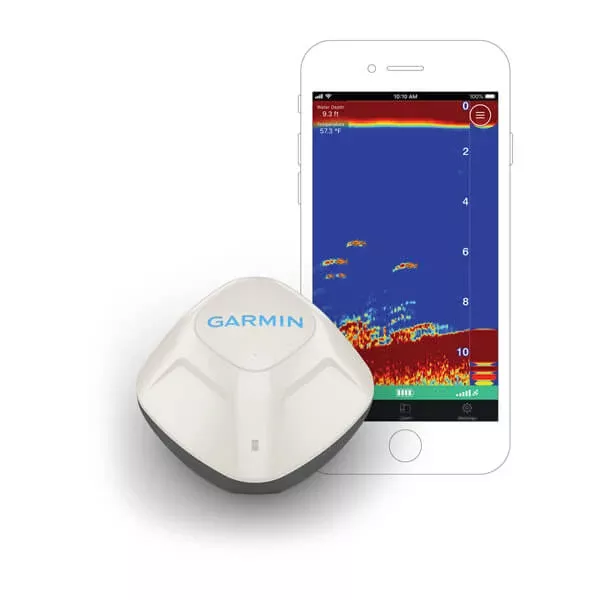
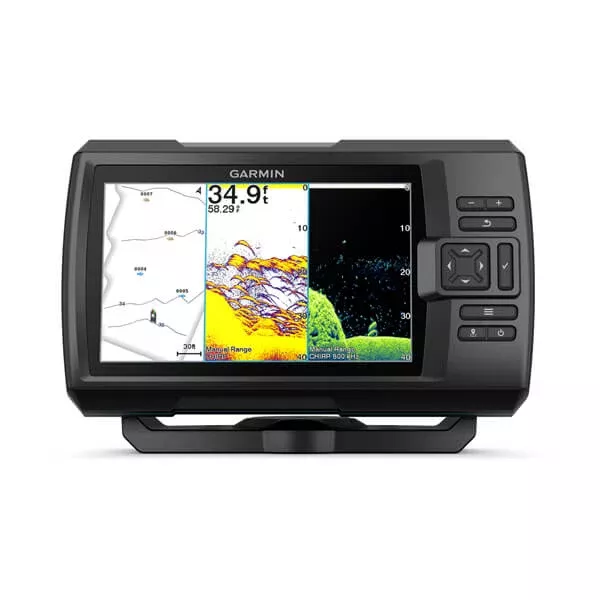
Observe the fish and structures with the highest level of detail after choosing the color of the screen, the location and the probe for your day in the water with the STRIKER Vivid Probe.
Probe of Great Clarity and Color
Choose from 7 new intense color options to see both fish and structures with the highest level of contrast and clarity in your 4-inch probe.
Integrated Probe
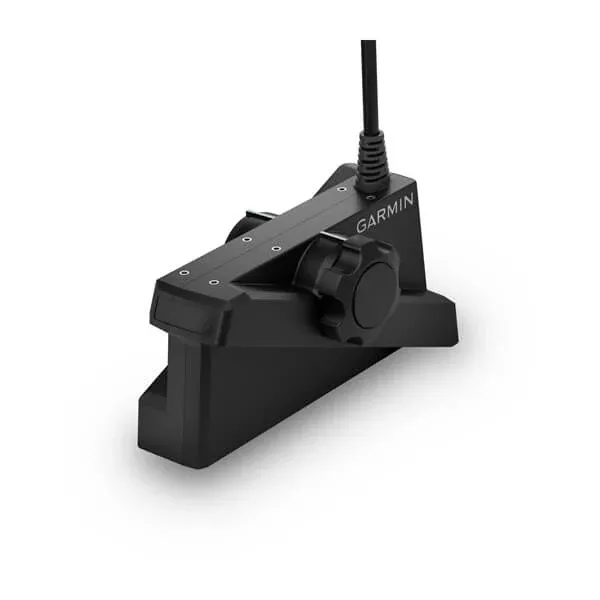
Use the included GT20 transducer to obtain the traditional CHIRP probe and the Garmin CHIRP ClearVü scanning probe.
Marking of Waypoints
To catch more fish, you need to know the best locations. Use the waypoint marking to easily find the best fishing points again.
High Sensitivity GPS
Plan and create routes, and visualize the speed of your boat on the probe using the high-sensitivity GPS.
Quickdraw Contours
No one knows the waters in which you fish better than you do. With the STRIKER Vivid 4cv probe, you can store up to 8,000 square kilometers of maps with contours of 30 centimeters.
Mounting Components Included
The STRIKER Vivid 4cv probe includes a rotating/tilting support in addition to components and a mounting cable for stern mirror and motor for trolling fishing.
Specifications:
| Physical And Performance Characteristics | |
|---|---|
| Dimensions of the Unit (WIDTH/HEIGHT/DEPTH) | 4CV: 9,8 X 17,4 X 4,5 cm (3,9” X 6,9” X 1,8”)
5CV: 18,8 X 11,6 X 5,4 cm (7,4” X 4,5” X 2,1”) 7CV: 9,3” X 5,5” X 2,3” (23,5 X 14,0 X 5,8 cm) 9CV:11,1” X 6,5” X 2,4” (28,2 X 16,5 X 6,0 cm) |
| Weight | 4CV: 0,3 kg (0,7 lb)
5CV: 0,5 kg (1,0 lb) 7CV: 0,8 kg (1,7 lb) 9CV: 1,1 kg (2,4 lb) |
| Water Resistance Classification | IPX7 |
| Type of Screen | 4CV: QSVGA
5CV, 7CV, 9CV: WVGA in color |
| Screen Size (WIDTH/HIGH) | 4CV: 2.1″ X 3.7″ (5.4 X 9.5 cm); 4.3″ Diag, (10.9 cm)
5CV: 2.6″ X 4.3″ (6.5 X 10.8 cm); 5.0″ Diag (12.8 cm) 7CV: 3.4″ X 6.1″ (8.6 X 15.4 cm); 7.0″ Diag (17.8 cm) 9CV: 4.4″ X 7.8″ (11.2 X 19.8 cm); 9.0″ Diag (22.8 cm) |
| Screen Resolution (WIDTH/HIGH) | 4CV: 272 X 480 pixels
5CV: 800 X 480 pixels 7CV: 800 X 480 pixels 9CV: 800 X 480 pixels |
| Assembly Options | flush, tilt/swivel |
| Screen Keys | With keys |
| Maps And Memory | |
|---|---|
| Waypoints | 5000 |
| Track Points | 50,000 |
| Tracks | 50 |
| Routes | 100 |
| Sensors | |
|---|---|
| GPS | Yes |
| BUILT-IN Receiver | Yes |
| Compatible with Waas | Yes |
| Optional Map Support | |
|---|---|
| Garmin Quickdraw Contours | Yes |
| Electric | |
|---|---|
| Feeding Input | 12 to 20 Vdc |
| Typical Current Consumption | 4CV – 5CV: 0.40 A
7CV: 0.67 A 9CV: 0.75 A |
| Maximum Current Consumption | 1.5 A |
| Energy Consumption | 4CV: 4.8
5CV: 4.8 7CV: 8.0 9CV: 9.0 |
| Probe Specifications And Functions | |
|---|---|
| Show the Probe | Yes |
| Traditional Probe (Dual PROBE/DUAL Frequency) | Built-in |
| CLEARVÜ | Yes |
| Frequency | Traditional: 50/77/200 kHz CHIRP (high and medium frequency) ClearVü: 260/455/800 kHz |
| Transmission Power | 4CV: 300 W (Rms)
5CV, 7CV, 9CV: 500 W (Rms) |
| Blocking in the Background (Shows the Signals You Return From the Background to the Surface) | Yes |
| Graph and Record of Water Temperature | Yes |
| Connections | |
|---|---|
| Ports for 4-PIN Transducer | 4CV: 1
CV:1 7CV: 1 9CV: 2 |
| Garmin’s WI-FI® Network (Local Connection) | 4CV: No
5CV: No 7CV: Yes 9CV: Yes |
|---|
| Functions Of Fishfinder | |
|---|---|
| SPLIT-SCREEN Zoom | Yes |
| Fish Symbol (Helps to Identify Fish) | Yes |
| Automatic Gain Technology (Allows You to Obtain Detailed Images of Structures and Densities of the Background) | Yes |
| Adjustable Depth Line (Measures the Depth of Objects Underwater) | Yes |
| A-SCOPE (Shows in Real Time the Fish That Pass Through the Beam Transducer) | Yes |
| Temperature Sensor Included | Yes |
| Customized Depth Scale | Yes |
| Additional | |
|---|---|
| Additional Features | 4CV:
5CV:
7CV:
9CV:
|
FAQs
It is not recommended to print your own template; use the template provided in the product box for accurate sizing.
Maintain a safe distance of at least 30 cm (11.81 in.) from the compass during installation.
Apply marine sealant to all screw threads and the pass-through cable hole to prevent water from seeping into the transom.
Coat the transducer and hardware with water-based anti-fouling paint to prevent marine growth.
Yes, you must update Garmin chartplotter software after installation.
Mount as close to the centerline of the transom as possible, in clean (non-turbulent) water, following all mounting considerations.
The transducer should be mounted parallel to the water line for optimal performance.
No, cutting the transducer cable voids your warranty.
Mount the transducer on the starboard (right) side.
Avoid routing the cable close to electrical wires or sources of electrical interference for peak performance.
Secure the mount with hose clamps around the motor body, ensuring the transducer is parallel to the bottom when in use.
Make adjustments in small increments. Placing the transducer too deep can affect boat performance and risk damage.
You are responsible for the safe and prudent operation of your vessel. The device is a tool to assist, not replace, safe operation.
Only water-based anti-fouling paint should be used on the transducer and hardware to prevent marine growth.
Contact the SailRACE team — as certified marine experts we’re happy to help with product selection, installation and after-sales servicing, before and after your purchase.