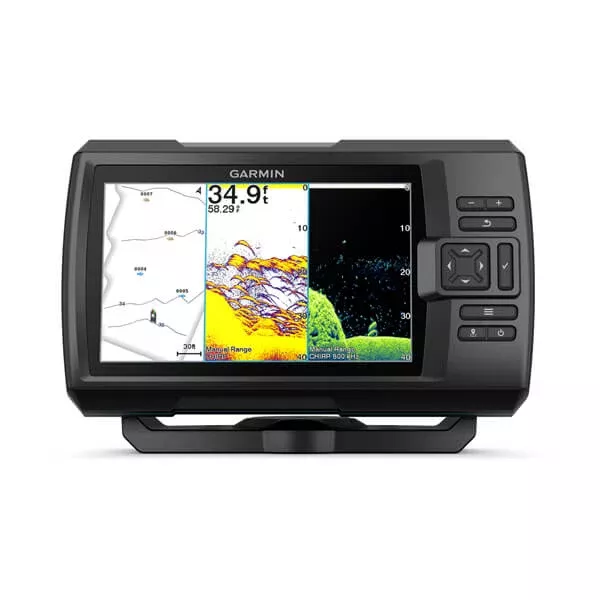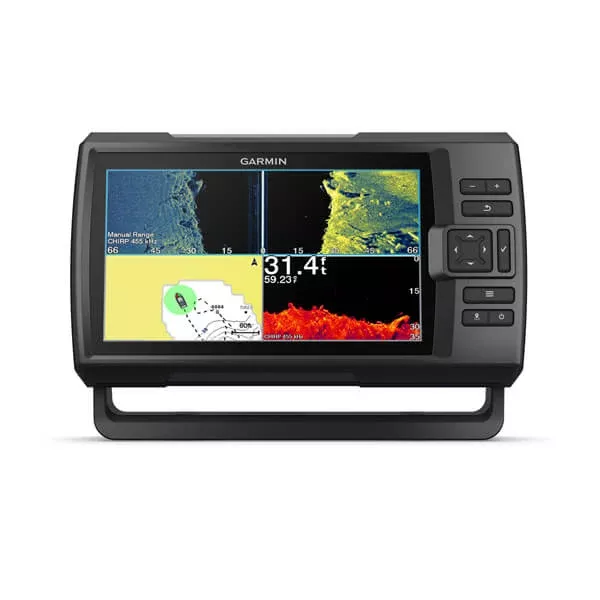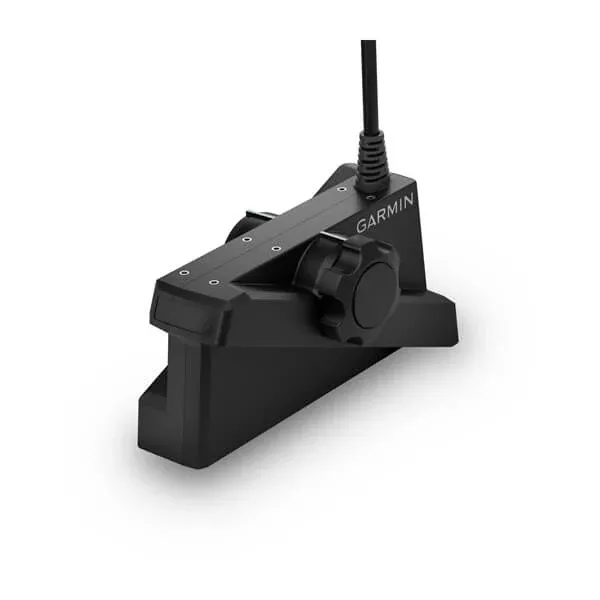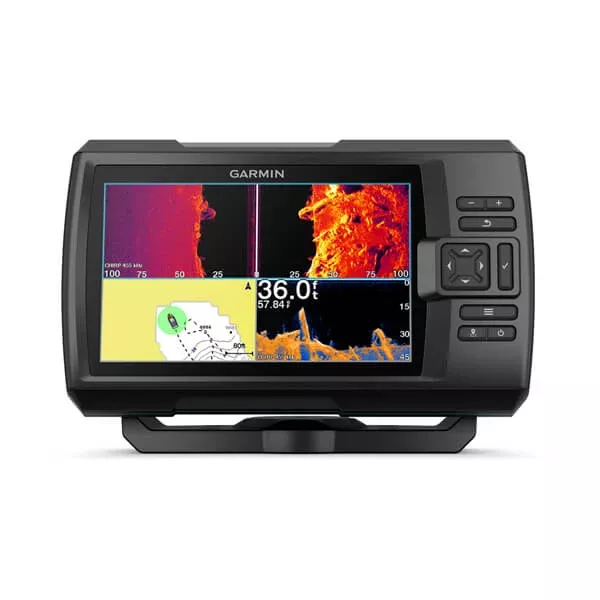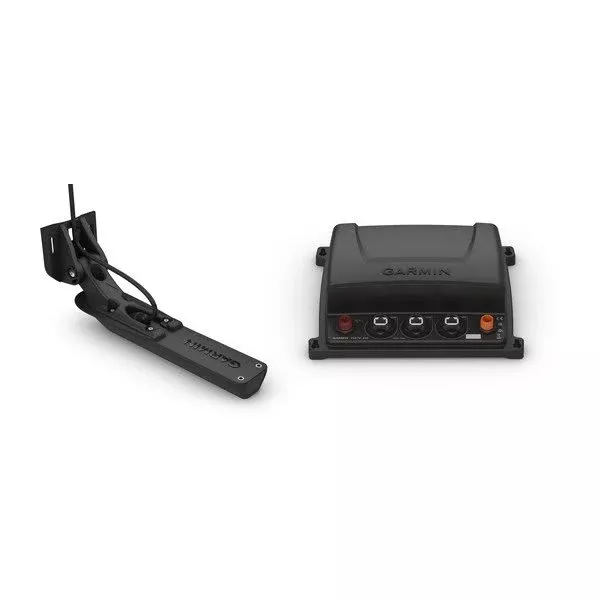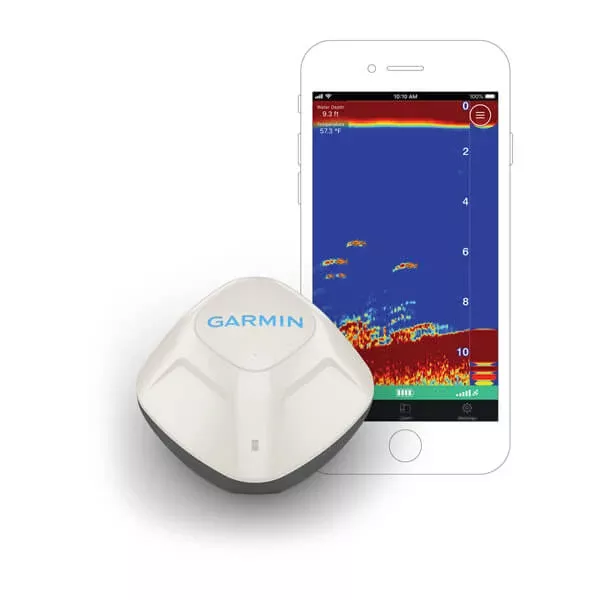
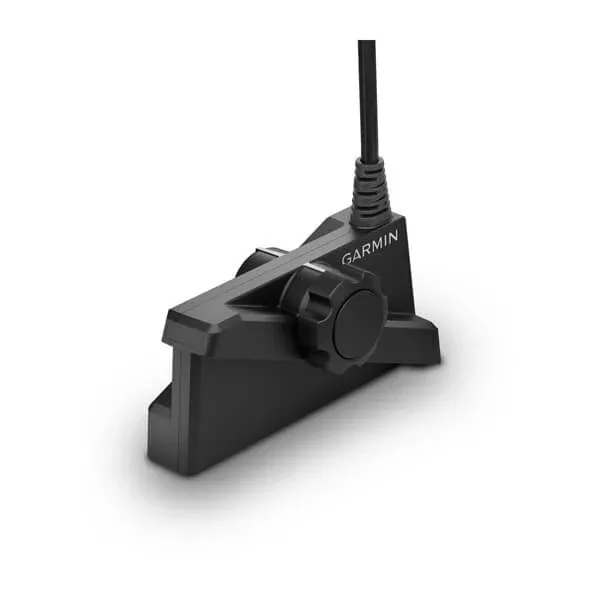
The LiveScope Plus system, the latest in LiveScope technology, offers improved resolution, noise reduction, sharper images and better lens separation.
REAL-TIME Images
The real-time probe guarantees maximum accuracy in your live images.
Clear Vision
See exactly what you need with less noise and fewer probe artifacts that affect the image of fish and structures.
Stabilization of the Image
An integrated stabilization system keeps the image of the probe fixed on your compatible plotter, even in coarse sea conditions.
Intense Color Ranges
Choose from seven bright colors, such as Aqua, Caribbean and Lava, among others, to see the fish and structures with the highest level of contrast and clarity.
Forward Mode
Get ahead of the boat and observe what happens in real time.
Downward Mode
Explore the live views of the activity that takes place under the boat.
Perspective Mode
Get a view of your perspective on water to see what happens underwater.
FAQs
Test the angle and depth of the transducer; make adjustments as needed after initial installation.
Adjust the angle so the element is parallel with the waterline, then secure using an M5 hex wrench to tighten the screw.
Install screws in all five mounting holes to prevent bracket bending or breaking at high speeds.
Always wear safety goggles, ear protection, and a dust mask when drilling, cutting, or sanding.
It should be installed by a qualified marine installer for the best results and to avoid damage to your boat.
At speeds over 19 km/h (12 mph), performance is limited and transducer drag may affect boat speed and handling.
You must update the Garmin chartplotter software after installing the LVS34 transducer.
When mounting on fiberglass, use a countersink bit to avoid cracking the top gel-coat layer when tightening screws.
Contact the SailRACE team — as certified marine experts we’re happy to help with product selection, installation and after-sales servicing, before and after your purchase.